With electronics, compatibility comes first.
1. Check compatibility
Before buying, check the connector type (USB-C, Lightning…), the Bluetooth version and your phone or computer’s operating system.
2. Charge safely
- Use CE-marked chargers with the right power for your device.
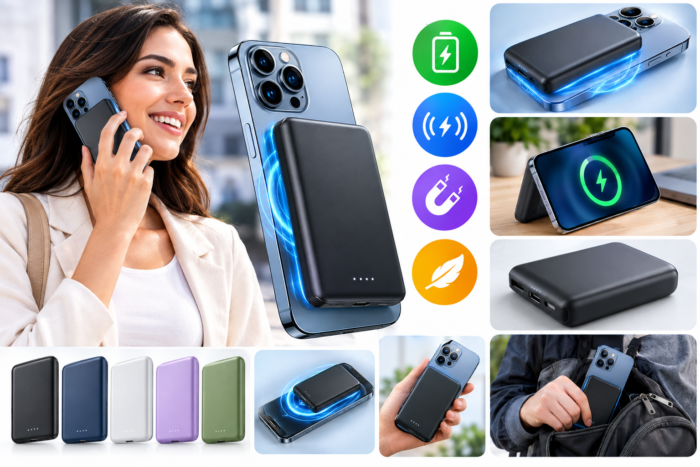
- Power banks show their capacity in mAh: more capacity means more charges, but also more weight.
3. Headphones and sound
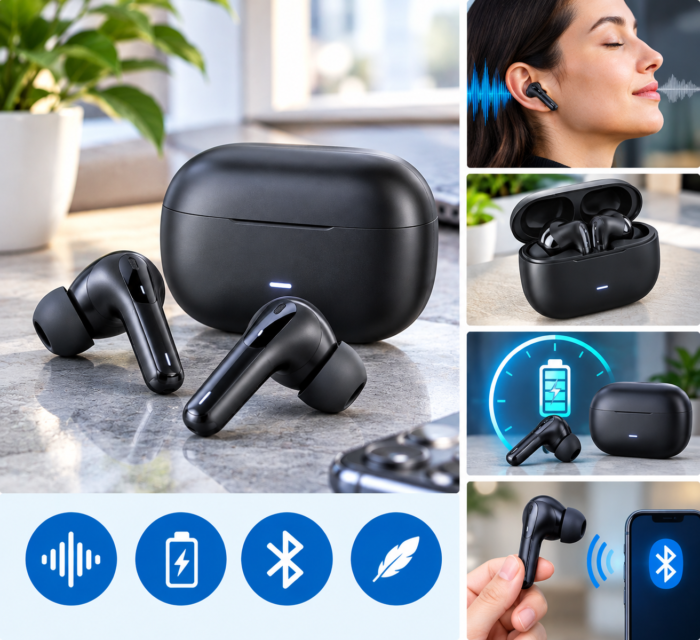
Consider battery life, comfort and, if you travel or work somewhere noisy, noise cancelling.
4. Smart home and privacy
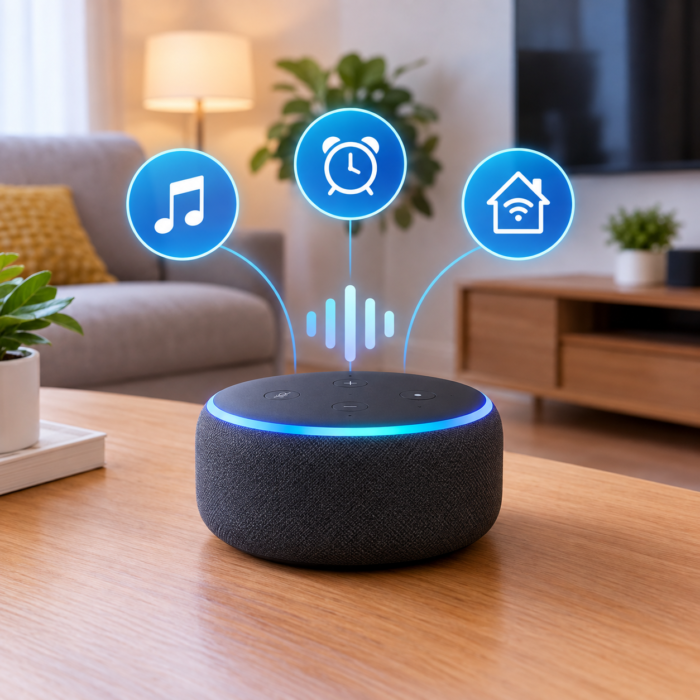
For smart plugs, cameras or bulbs, check they work with your Wi-Fi and the app you want to use. Change default passwords and keep the software updated.
5. Recycling
Electrical devices and batteries must not go in household waste: take them to a recycling centre or a shop that collects them.
Electronics products
View all- New
- New
- New
- New
More guides
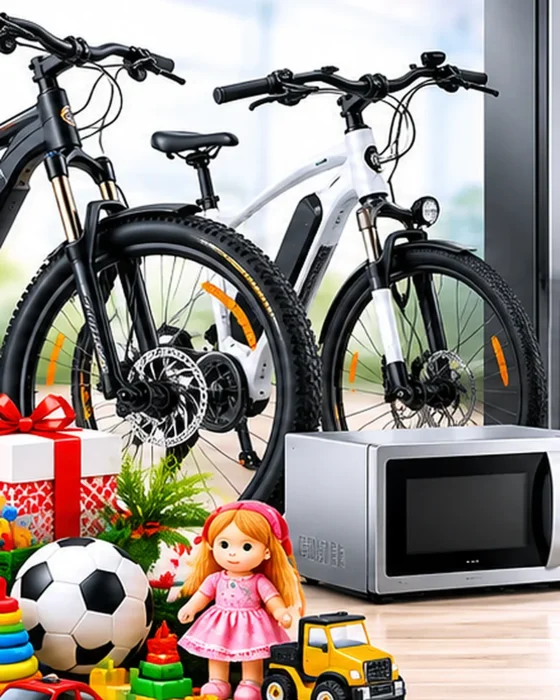 Buying guide
How to choose the right bike
Bike type, frame size for your height, brakes, gears and accessories: what to know before buying a bike.
Read the guide →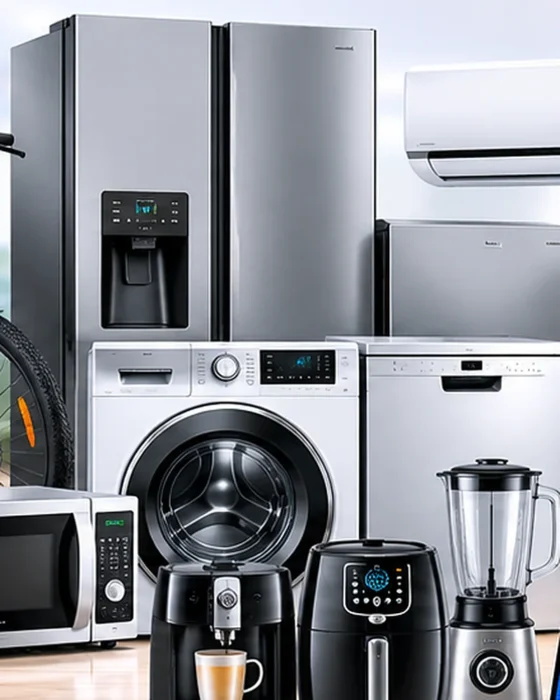 Buying guide
How to choose a home appliance
Dimensions, capacity, energy label, noise and installation: key points for choosing a fridge, washing machine, oven or air conditioner.
Read the guide → Buying guide
How to choose safe toys
Recommended age, CE marking, small parts and type of play: tips for giving safe toys that children really enjoy.
Read the guide →